
OCR a PDF: make any scan searchable
Scanned pages are just photos of text. windpdf runs real OCR on them, right in your browser, and gives you a document you can search, copy from and edit.
Drop your PDF here to start
to use OCR PDF (free, no account)
Files stay private: PDFs and images are edited in your browser.
Searchable, editable, or plain text
Three output modes: keep the scan and add an invisible text layer (searchable PDF), rebuild the text as editable content, or export a plain .txt file.
Real OCR engine
Recognition runs on Tesseract.js, the WebAssembly build of the Tesseract OCR engine, so results are on par with desktop software.
Runs in your browser
The scan never leaves your device. OCR is heavy work, and it happens locally on your machine, not on our servers.
Recognition with the knobs that matter
Three output modes, the languages of the document, a render resolution and a skip rule, all running on your own machine.
A scan is a photo of text
Before OCR there is nothing to select. windpdf renders each page, recognises the words with Tesseract.js, and puts them back as text aligned to the image.
Set it up, then watch it run
Language and render DPI drive accuracy; the skip rule saves time on documents that are only partly scanned.
A real OCR engine, locally
Recognition runs on the WebAssembly build of Tesseract, on your device. The scan never leaves the tab.
Three outputs, one pass
Searchable keeps the page pixel-identical, editable rebuilds real text runs, text only hands you the words in a .txt file.
What a searchable PDF actually is
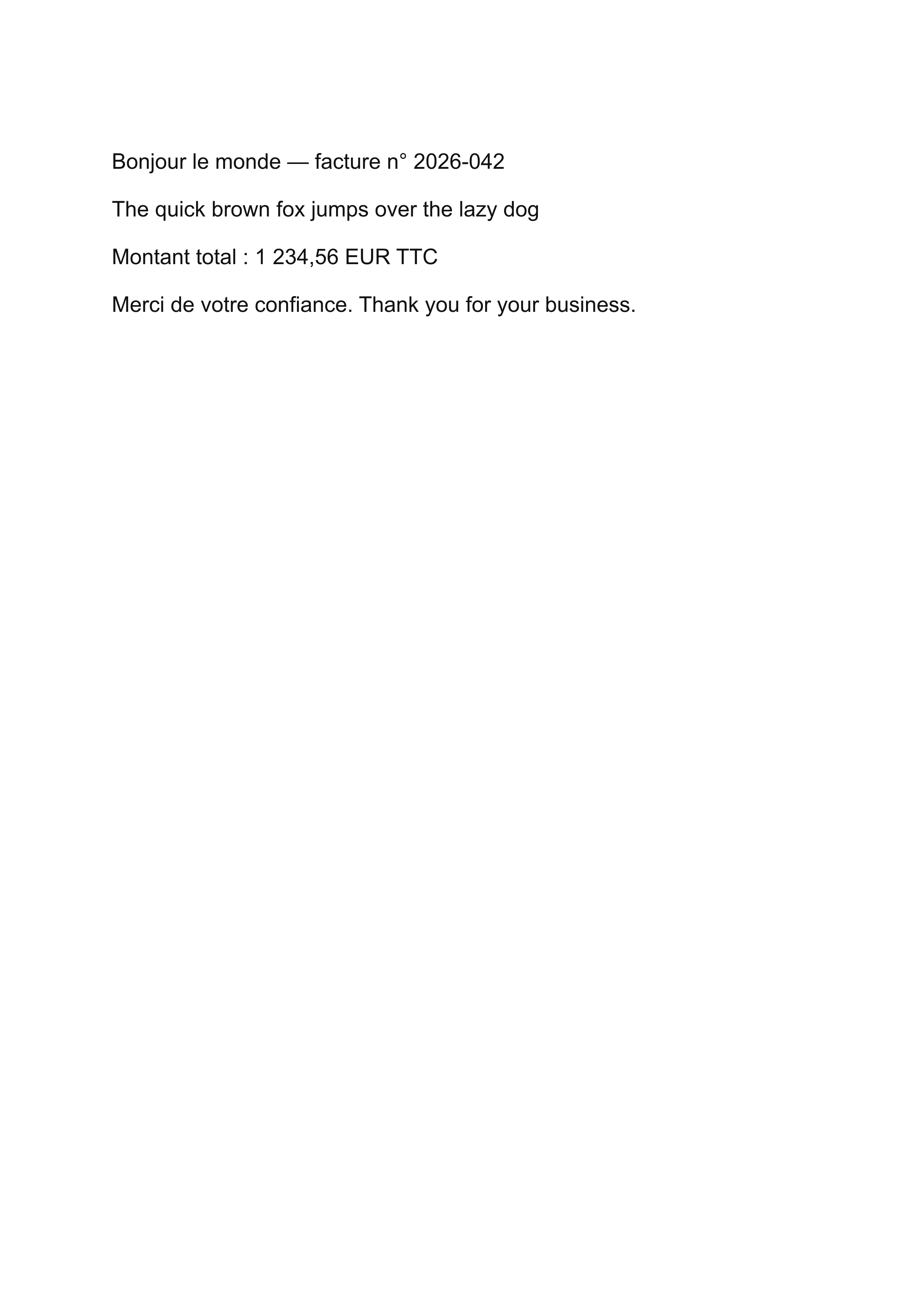
A scan is an image: your reader sees letters, but the computer sees pixels. OCR adds an invisible layer of real text on top of each page, matched to the position of the words in the image.
After that, Ctrl+F works, copy-paste works, and search engines and document management systems can index the content.
Pick the mode that fits the job
Searchable PDF is the right choice for archiving: the pages look identical, but the content becomes findable.
Choose editable text when you need to correct OCR mistakes or reuse the content, and plain .txt when you only need the words, for example to feed another tool or a translation.
- Searchable, original page image plus invisible text layer.
- Editable, recognized text becomes real, changeable content.
- Plain text, a simple .txt export of everything recognized.
Tips for a clean recognition
Straight, well-lit scans at 200 DPI or more give the best results. If a page is rotated, fix it with the Rotate tool first, OCR engines read upright text far more reliably.
Done in three steps
Upload your PDF
Drop the file above, it is read locally in your browser, never uploaded to a server.
Use the tool
The editor opens with the right tool selected. Make your changes in a couple of clicks.
Download the result
Save the finished PDF straight to your device. No account, no watermark, no wait.
Frequently asked questions
Not in searchable mode, the page image stays exactly the same, an invisible text layer is added on top. Editable mode rebuilds the text, so the layout can shift.
Yes. Because recognition runs in your browser with Tesseract.js, there is no per-page server cost to pass on to you.
On clean, upright scans it is typically excellent. Handwriting, heavy noise and low-resolution faxes remain hard for any OCR engine.
No. The file is read locally and the OCR engine runs on your device. Nothing is sent to a server.